
Real animals
Search the animal and the role you have in mind.
One animal. A growing bond. A lasting identity.
Create a real, fantasy or custom companion and follow its growth, temperament and bond throughout your campaign.

An individual worth keeping
Keep one animal recognisable across the campaign.
Search the animal and the role you have in mind.
Choose an original creature with its own milestones.
Start with a real animal and define fantasy traits.
Keep history, temperament and relationship together.
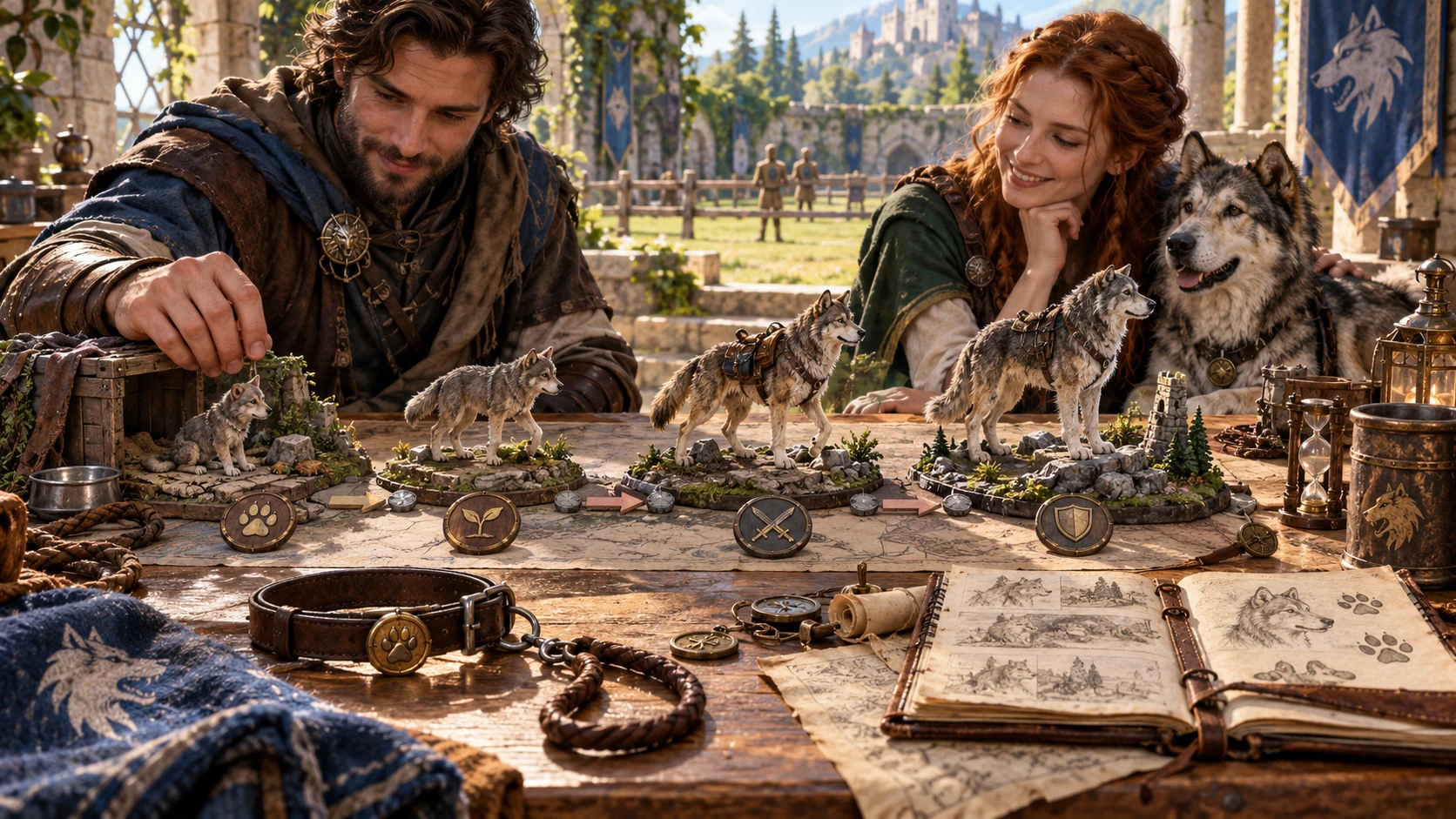
Follow acquisition, growth and relationship
The illustration represents fantasy party preparation, not an application screenshot.
Choose an animal, acquisition, age and intended role.
Review history, trust, temperament and role readiness.
From first meeting to shared history
Follow the companion through campaign time.
Choose kind, acquisition, age and intended role.
Review history, trust, fear and prior training.
Advance days or dates to follow lifecycle stages.
Check current readiness and future requirements.
The animal companion workspace
Keep the animal’s story and development together.
Choose a real animal, fantasy creature or custom animal foundation.
Keep identity, history, temperament and bond together.
Advance age and lifecycle through campaign days or dates.
Distinguish current roles from those needing growth, training or equipment.
Review previous history, fear and familiarity as an animal joins you.
Edit supported fields and reroll sections while retaining locks.
Reopen individuals, save versions, search, pin favourites and create variants.
Prepare player cards, GM profiles, summaries, backups and combat snapshots.
Quick foundations and deeper detail
Fit the companion to the party and campaign.
Choose an animal, acquisition, age and intended role.
Set previous ownership, training and socialisation.
Refine appearance, temperament, origin and legal status.
Review fear, party familiarity and GM notes.
Keep the same companion editable
Develop a recognisable animal instead of starting again.
Edit fields and reroll individual sections.
Keep established details while refining others.
Retain up to five earlier versions of an individual.
Search, filter, pin favourites and create variants.
A companion with a life across sessions
Review identity, history, temperament and bond.
Follow lifecycle stages and current or future roles.
Prepare a reviewed animal card, profile or summary.
Roles need readiness
Review the animal before assigning a role.
Capture or taming is not instant obedience.
Check what needs further development.
Use separate care and training tools when needed.
Select eligible saved animals in Combat PRO.
Generator access and pricing
Choose access for this selected generator or an eligible pack.
Review current standalone access and pricing.
Check whether a current pack includes this generator.
Use your account to review premium product access.
Create a free VISINVOKE account; premium access remains separate.
VISINVOKE means value
Bring identity, growth, temperament and relationship into one saved individual.

Keep the animal’s history and temperament together.
Review lifecycle stages and role readiness.
Reopen an animal or create a useful variant.
Review trust, fear and familiarity as the campaign progresses.
Explore your VISINVOKE workspace
Each card opens its own product website. Review purpose and access separately; related products do not promise included access or automatic synchronisation.

Open your VISINVOKE desktop products.
Prepare a live exchange after an established social mistake.

Build the wider setting around your campaign.

Develop the places your party travels through.

Explore separate adventure environments.
Explore separate fantasy image creation.
Product artwork is illustrative, not application screens or actual generated image output.
Quick answers
Understand identity, growth, saved animals and desktop access.
Search real animals or fantasy creatures by name, family, size, movement, environment or role, or define a custom animal from a real foundation with fantasy traits. Each result remains an individual with its own identity, temperament and bond.
Advance campaign days or dates to follow age and lifecycle stages. Review current and future size, training opportunities, fantasy ability milestones and roles that may require more growth, training or equipment.
No. Review the animal’s starting history, trust, fear, previous training and familiarity with the party. Acquisition and bonding remain part of its developing relationship.
Save animals to your account and reopen them. Keep up to five earlier versions of the same individual, edit and lock supported details, reroll sections, search and filter the library, pin favourites, rename entries, create variants or archive records.
Copy or download a player animal card, player JSON, full GM profile, growth or role summary, or Combat PRO snapshot; import checked JSON backups and print the current view. Player exports omit GM notes and hidden history, so review anything you add to the public story. In Combat PRO, the DM reviews saved animals and readiness before selecting eligible companions.
Sign in to your VISINVOKE account and review current access for this generator or an eligible pack. Open it through the Desktop Control Centre. Your free account and premium product access are distinct. Specialist animal care, equipment, habitat and training tools have separate access and can enrich the same saved companion.
Continue in VISINVOKE
Create a free VISINVOKE account and review current generator access.
Use your account installer page for Desktop Command Centre.
Open Pet & Animal Companion Generator from the Generators collection.